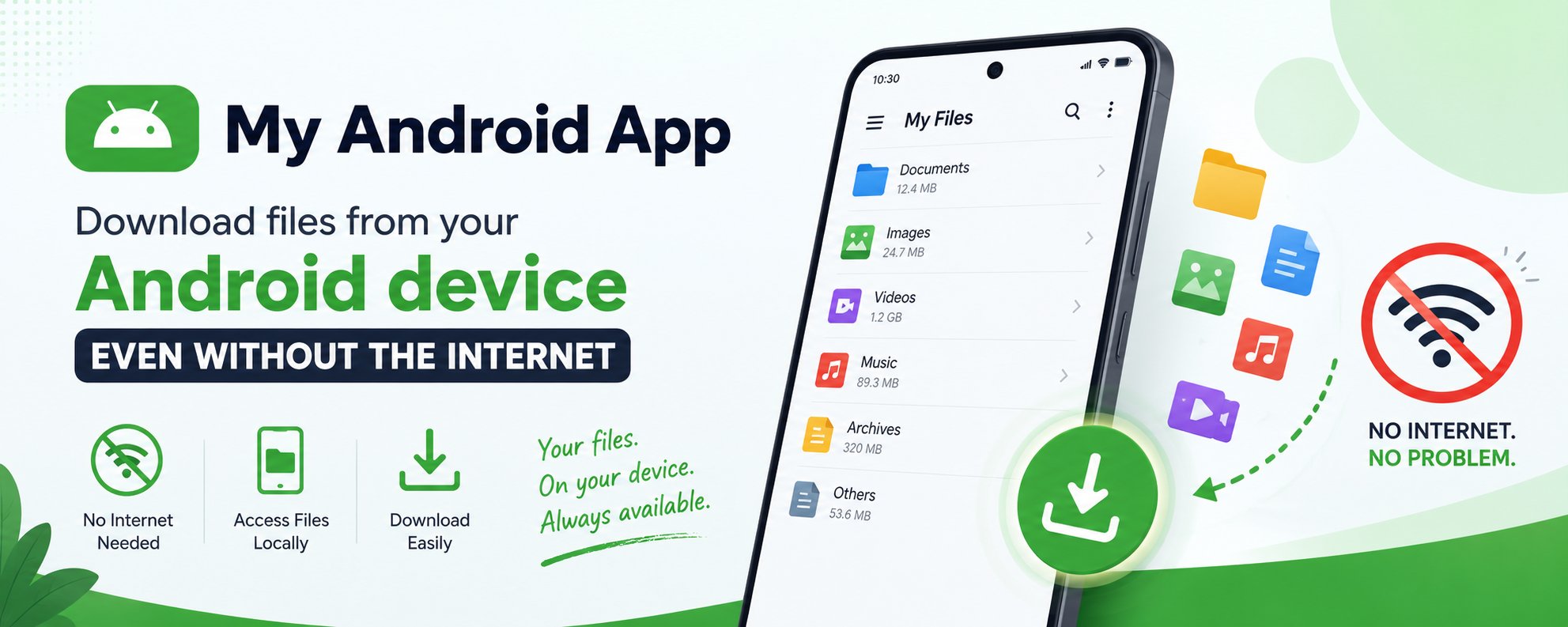
Download Android Files Without Internet
Introducing LanFileShare: Your Personal, Browser-Based File Server on Android
Ever found yourself needing to quickly get a file from your phone to your computer, only to be bogged down by finding a USB cable, waiting for a cloud service to sync, or wrestling with clunky transfer apps? There’s a more direct way. Today, we're taking a look at LanFileShare, a simple yet powerful application that turns your Android device into a local file server, accessible from any web browser on your network.

What is LanFileShare?
At its core, LanFileShare is a lightweight HTTP server that runs directly on your Android device. Built using the popular NanoHTTPD library, it serves files from a designated folder on your phone, making them instantly available to any other device on the same Wi-Fi network. No companion apps, no cloud accounts, and no cables required. Just a web browser. The goal is simple: provide a seamless and private way to browse and download your files. Let's dive into how it achieves this with a surprisingly rich feature set.
A Tour of the Features
When you point a browser to your phone's IP address, you're not greeted with a plain, text-only index. Instead, LanFileShare serves a clean, modern, and responsive web interface packed with features:
•Dual Viewing Modes: Toggle between a detailed List View (showing file names, sizes, and modification dates) and a visual Grid View that displays thumbnails for images.
•Rich File Previews: The server intelligently sets the correct MIME type for files. This means images, videos, audio files, and even PDFs can often be viewed directly in the browser without needing to be downloaded first.
•Effortless Downloads:
◦Single Files: Download any file with a single click.
◦Entire Directories: A convenient button lets you download a complete directory as a .zip archive.
◦Multi-File Selection: The most powerful feature! Select multiple files from the list, and the app will dynamically create a single .zip file for you to download.
•Intuitive Navigation: Breadcrumb navigation at the top of the page makes it easy to move between nested folders.
•Self-Contained UI: All the styling (CSS) and interactive logic (JavaScript) are embedded directly into the HTML. This means the entire experience is delivered in a single request, making it fast and entirely self-contained.